Inventory Management App for Electronics Hobbyists
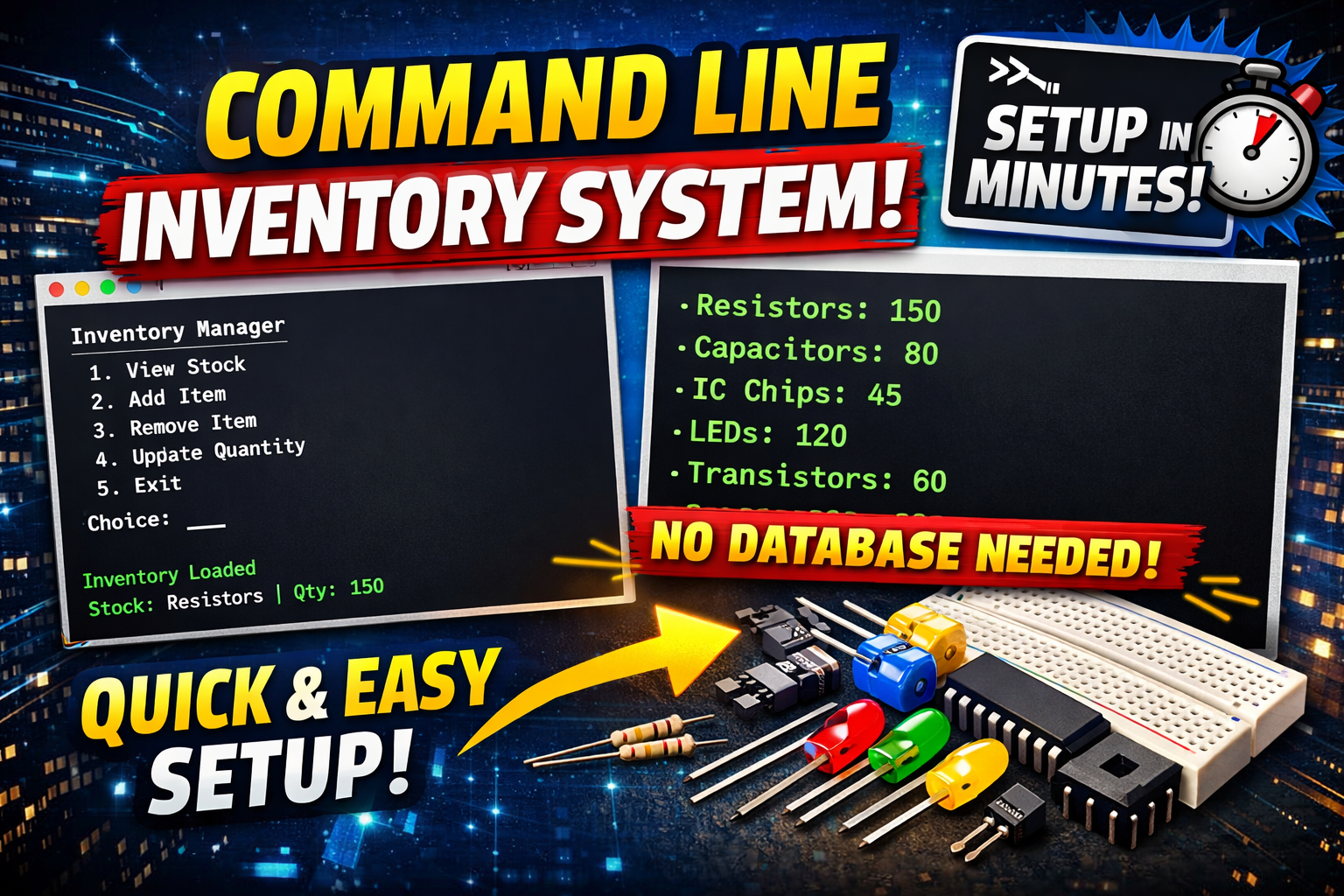
Keeping track of electronic components and parts can be a challenge for hobbyists and makers. The Inventory Management App is a command-line tool designed to make this process simple, flexible, and efficient—without the need for a full database setup or complex configuration.
Overview
This Python-based application lets you add, search, and edit product information for your electronics inventory. It supports both manual entry and AI-assisted product creation using OpenAI’s ChatGPT, with all data stored in a single JSON file for easy management.
Features
- Search Products:
- Quickly find products by name or attribute.
- View detailed information for each item.
- Add New Product (Manual):
- Enter product details manually and edit all fields after creation.
- Add Product with AI:
- Enter a product name or title and let the app use ChatGPT to auto-populate all product fields.
- Review and edit the generated details.
- Note: You will need credit on your OpenAI account to use the AI features.
- Edit Product Details:
- Update any field, including location, quantity, and custom attributes.
- Soft-delete products if needed.
- Persistent Storage:
- All products are stored in
products.json(excluded from version control). - Example data is provided in
products.json.example.
- All products are stored in
Installation & Setup
Prerequisites
- Python 3.x
- Internet connection (for AI integration)
- An OpenAI API key (for AI product entry)
Steps
- Clone the repository:
1 2
git clone https://github.com/makerforgetech/inventory.git cd inventory - Install dependencies:
1
pip install requests - Set your OpenAI API key (optional, for AI features):
1
  export OPENAI_API_KEY=sk-...yourkey...
Note: You will need credit on your OpenAI account to use the AI features.
Usage
Run the app with:
1
python3 cli.py
Or use the provided script:
1
./run.sh
You can also create a shell alias for quick access. See the README for details.
Main Menu Options
- Search for product — Find and view/edit products.
- Add new product — Manually add a new item.
- Add product with AI — Use ChatGPT to auto-fill product details.
- Exit
Product Details Menu
- Edit any field
- Adjust quantity
- Add/edit location
- Delete (soft delete)
- Return to main menu
OpenAI Integration
The “Add product with AI” feature uses the OpenAI ChatGPT API to generate product details from a product name or URL. Set your OPENAI_API_KEY environment variable to enable this feature.
Troubleshooting
- Ensure your OpenAI API key is set and valid for AI features.
- If the AI-generated product is not valid JSON, try again or edit manually.
Repository
Find the source code and more details on GitHub: makerforgetech/inventory
This tool is open source and designed for makers who want a simple, scriptable way to manage their electronics inventory. Contributions and feedback are welcome!